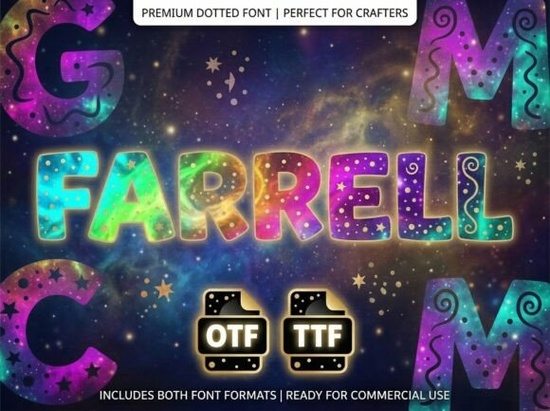
If you are designing bold logos, striking packaging, or eye-catching posters, choosing the right typography is essential. The Farrell Font is a stunning decorative display typeface built specifically to be the center of attention. It features unique artistic elements and a strong visual personality that helps creators break away from standard, everyday typography. Whether you are a print-on-demand seller creating custom t-shirts, a small business owner designing a new brand identity, or a hobbyist making personalized gifts, this typeface provides a professional and polished finish for high-impact projects. Understanding exactly how and where to use this specific style will save you time and result in much better designs.
What kind of projects work best with this decorative typeface?
Because of its highly stylized nature, this typeface shines in short, impactful applications. The intricate details of each letterform are meant to be seen at larger sizes. It is an excellent choice for several specific design tasks:
- Brand logos and wordmarks: The artistic details give your brand a memorable, custom identity without needing to hire an illustrator.
- Product packaging: Use it for the main product name on boxes or labels to help your items stand out on crowded retail shelves.
- Event posters and flyers: Grab attention immediately with large, decorative initials for concerts, craft fairs, or seasonal sales.
- Apparel design: Crafters using vinyl cutters or screen printing will find it perfect for bold t-shirt graphics and tote bags.
Are there lowercase letters included in the download?
It is important to know before you start designing that this is strictly an ALL-CAPS typeface. It does not include lowercase letters. Every single character is designed as a piece of art, meaning the uppercase letters are specifically crafted for high-impact headlines and decorative initials. If your project requires long paragraphs of readable body text, you will need to pair this with a clean, simple sans-serif or serif font to ensure your audience can actually read the information. If you are looking to expand your typography library with similar styles that offer a bit more variety, you can explore more options in our collection of unique decorative display typefaces.
What file formats do I get and how do I install them?
When you decide to download the Farrell Font, you receive two industry-standard file formats to ensure compatibility across all your design software. Having both formats gives you flexibility depending on the tools you prefer:
- OTF (OpenType Font): This is the preferred format for advanced design and layout programs like Adobe Illustrator, Photoshop, and InDesign. It generally supports advanced typographic features and provides smoother curves for professional printing.
- TTF (TrueType Font): This is the standard file for universal compatibility. It works perfectly across Windows, Mac, and basic design tools like Canva or Cricut Design Space. Crafters often prefer TTF files for their cutting machines.
Installing either file is straightforward. On Windows, simply right-click the file and select install. On a Mac, double-click the file to open Font Book and click the install button.
How can I make the most of an all-caps display design?
Working with an uppercase-only typeface requires a slightly different approach than standard text. Since you cannot rely on lowercase letters to create visual rhythm, you should use spacing and sizing to your advantage. Try increasing the letter spacing slightly to let the intricate artistic details breathe. When letters are too close together in a highly decorative font, the design can quickly become cluttered and hard to read.
When pairing it with other fonts for your subheadings or body copy, stick to highly legible, neutral fonts. A simple geometric sans-serif works beautifully as a supporting cast, ensuring the display typeface remains the absolute focal point of your layout. Avoid using other script or decorative fonts in the same design, as they will compete for attention.
Quick Checklist for Your Next Design Project
Before you finalize your artwork or send it to the printer, run through this practical checklist to ensure the best results:
- Check your text length to ensure it is short enough for an all-caps display style.
- Install the OTF file for Adobe software or the TTF file for Cricut and basic editors.
- Turn off auto-capitalization in your word processor to avoid formatting glitches, since the font only contains uppercase glyphs.
- Pair the display font with a simple sans-serif for any necessary subtext or contact information.
- Test your design at a small scale on your screen to ensure the unique artistic elements remain legible before printing.
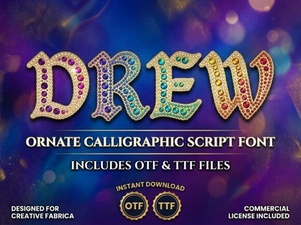 Drew Font for Creative Designs and Projects
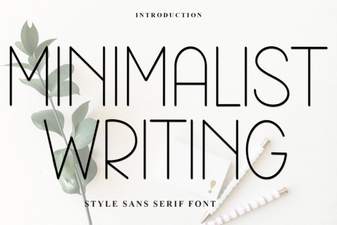 Minimalist Fonts for Clean and Impactful Design
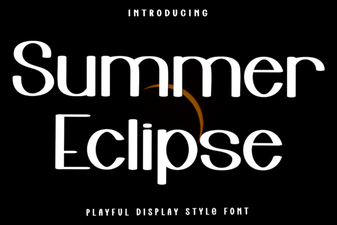 Summer Eclipse Font: Design Projects & Creative Uses
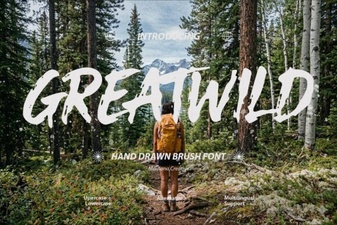 Greatwild Font Design Ideas & Download Guide
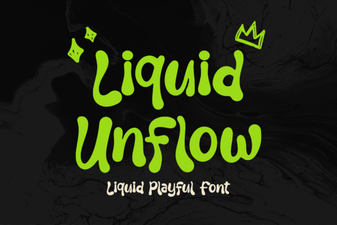 Unlock Your Design Flow with Liquid Unflow Font
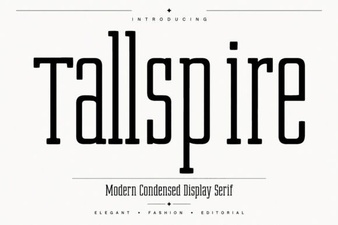 Elevate Your Designs with the Tallspire Font